iPhone is one of the most sophisticated phones in the world at the moment. This is because they keep innovating. Which is why whenever they launch a new version of the iPhone, customers around the world from long queues at Apple stores hoping to get the first look of the device.
Apple’s iOS has countless functions, features and apps, so many that only a few people ever get to use them all.
So, Jovago.com, Africa's No 1 hotel booking portal have selected 5 relevant and interesting iPhone features you should know about.
Control Your iPhone with Your Head
Did you know you can manipulate your iPhone with the movement of your head? Well, it’s possible with the help of some pre-installed apps.
If you fancy this incredible feature, go to setting-general-accessibility-switch control and turn this feature on. After activating it, you can select functions that will correspond with your right head movement or left head movement such as increasing or decreasing volume.
Siri Reads Your emails
This is an interesting way of checking your emails. Siri does not only alert you when you have emails, it also unambiguously reads your email.
To use this feature, press and hold the home button to activate Siri. After activating, choose my email and Siri will start reading your emails anytime you receive one. It works with iOS 7.
Shake iPhone to Delete Text Messages
Yes! You can delete text messages by firmly shaking your phone to delete text messages.
With iPhone, you can easily delete unsolicited messages after previewing them and undo the delete function if you choose.
Take a Photo While Shooting Videos
The usual phone will not allow you take pictures while shooting a video at the same time but with the iPhone, all things are possible.
Simply tap the camera button to snap a picture.
Note that your video will not stop recording. However, the quality will be less because you are using the video camera.
Do Not Disturb Mode
If you are very busy and do not want to be disturbed by notifications, you should activate the do not disturb mode.
You can do this from the control centre, swipe upwards and tap the crescent moon icon to select the do not disturb mode. Your calls and alerts will be silenced.
Exciting iPhone Tricks To Try
Comms Week23 Mar 20160 Comments

iPhone is one of the most sophisticated phones in the world at the moment. This is because they keep innovating. Which is why whenever they launch a new version of the iPhone, customers around…
C
Published by
Comms Week
Trained and practicing journalist passionate about telecommunications, fintech, cybersecurity, and digital economy reporting.
You May Like

Glo Calls on Nigerians to “Never Settle For Less”, Launches 4 New Products
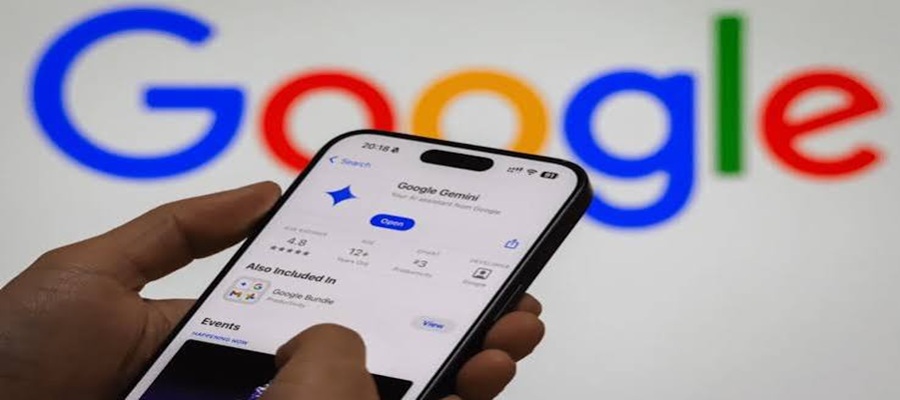
Google Offers Nigerian Students Free Gemini AI Plus Subscription for One Year

NITDA, North West University Move to Deepen Digital Transformation

NITDA Challenges Nigeria Army to Treat Data as Vital Tool for Decision Advantage in Military Operations

Meta AI Introduces New Features to Help Small Businesses Analyse Data and Grow